
Why Self-Destructing Messages Matter in 2026
In an era of increasing digital surveillance, data breaches, and sophisticated phishing attacks, self-destructing messages have evolved from a niche privacy feature into an essential communication tool. A 2026 survey by the Electronic Frontier Foundation found that 78% of privacy-conscious users consider disappearing messages a “must-have” feature when choosing a messaging app. Whether you are discussing sensitive business strategies, sharing personal health information, or simply prefer that your conversations do not live forever on some server, self-destructing messages provide a critical layer of digital hygiene.
The technology behind disappearing messages has matured significantly. Modern encrypted messaging apps now offer granular control over message lifetime — from seconds to weeks — and support different destruction modes including timer-based auto-deletion, read-triggered destruction, and screenshot detection with sender notification. Verifying end-to-end encryption is the first step to secure communication, and self-destructing messages complement that by ensuring messages do not persist even if your device is compromised.
This guide covers every major encrypted messaging app that supports self-destructing messages, explains how to configure them optimally, and provides advanced tips for maximizing your privacy.
Signal: The Gold Standard for Disappearing Messages
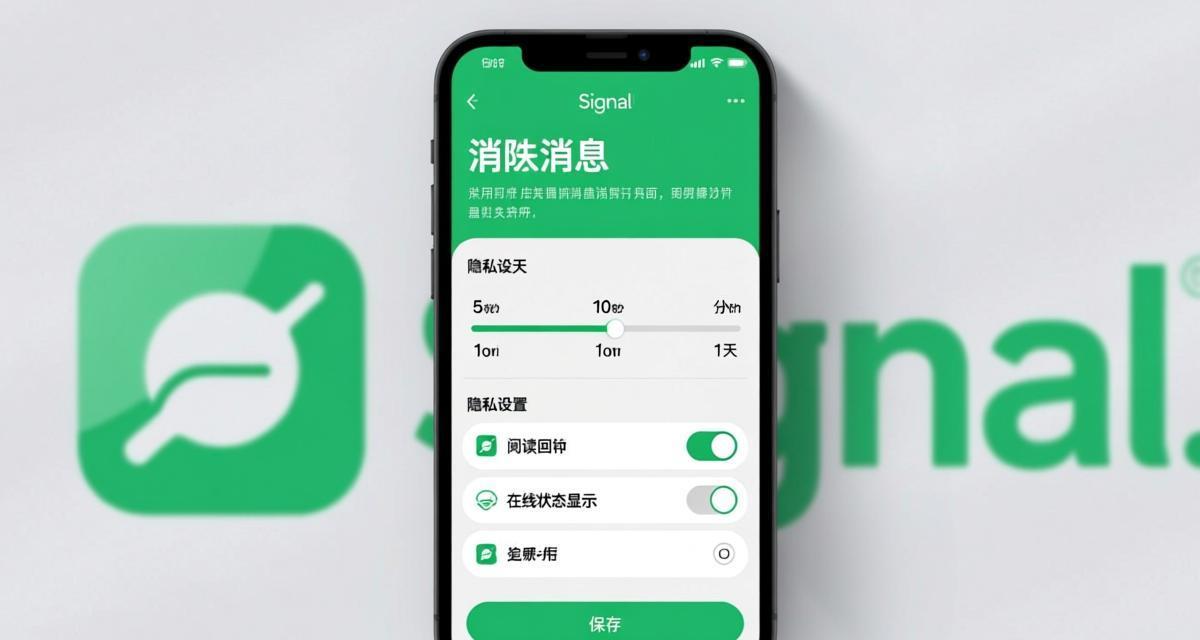
Signal remains the benchmark for disappearing message implementation. In 2026, Signal’s disappearing messages feature works across all chat types — one-on-one conversations, group chats, and even voice/video calls (call history can be set to disappear). Signal uses the Signal Protocol’s sealed sender technology to ensure that even message metadata is minimized during transmission.
Setting up disappearing messages in Signal: Open any chat → tap the contact or group name at the top → select “Disappearing messages” → choose a timer (options range from 5 seconds to 4 weeks). Once enabled, all new messages in that conversation will automatically delete after the selected time period. Signal consistently ranks as the most secure messaging app in our annual reviews, partly due to its disappearing message implementation.
Advanced Signal tip: You can set different disappearing message timers for different conversations. Use shorter timers (5-30 seconds) for highly sensitive one-on-one chats and longer timers (1 day to 1 week) for group discussions where participants need more time to read messages. Signal also supports a default disappearing message timer that applies to all new chats — enable this in Settings → Privacy → Default timer for all chats.
Telegram: Flexible Timers and Secret Chats
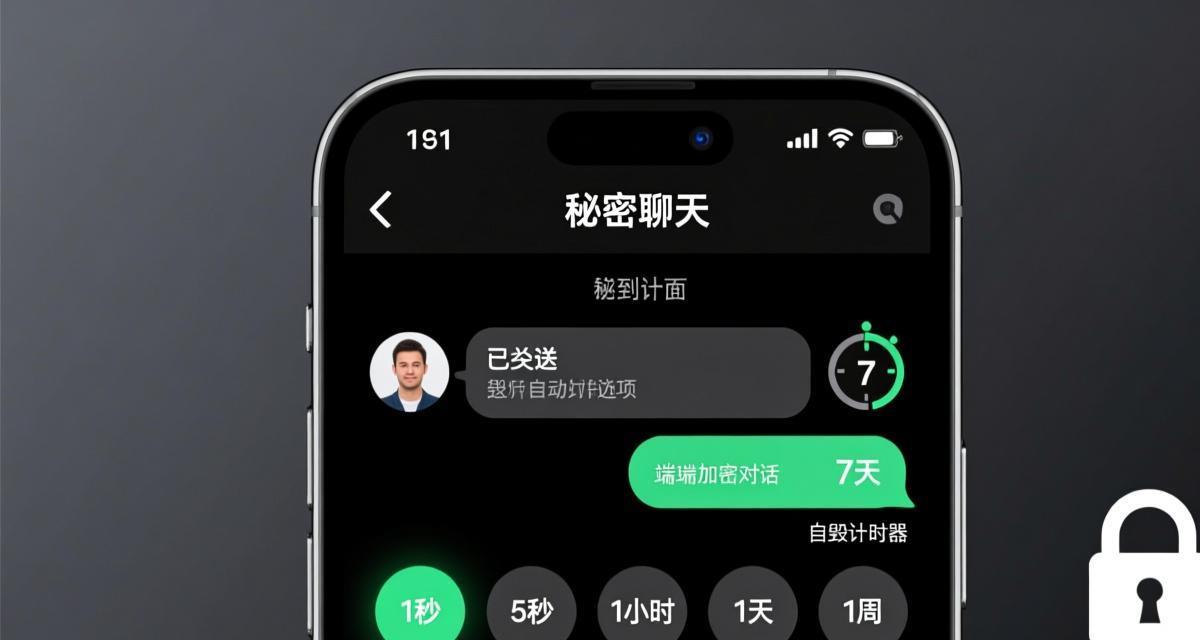
Telegram offers two distinct mechanisms for message destruction, each with different security properties. Understanding the difference is crucial for making informed privacy decisions.
Auto-delete in any chat: Telegram allows you to set an auto-delete timer (24 hours, 7 days, or 1 month) in any chat — one-on-one or group. However, messages are stored on Telegram’s servers until the timer expires, and the recipient can copy or forward the message before deletion. Signal vs Telegram comparison reveals that Telegram’s auto-delete provides less security than Signal’s implementation because messages exist on servers during the timer period.
Secret Chats with self-destruct: For maximum security, use Telegram’s Secret Chats. Secret Chats are device-specific (not synced across devices), use end-to-end encryption, and support a self-destruct timer that can be set from 1 second to 1 week. Messages in Secret Chats cannot be forwarded. When a message self-destructs in a Secret Chat, it is deleted from both devices with no server copy remaining.
Key difference: Regular auto-delete timers in Telegram delete messages from both the sender’s and receiver’s devices after the timer, but a copy exists on Telegram’s cloud servers until that moment. Secret Chat self-destruct ensures messages never touch Telegram’s cloud servers at all. Always prefer Secret Chats for truly sensitive conversations.
WhatsApp: Timer-Based Deletion with Caveats
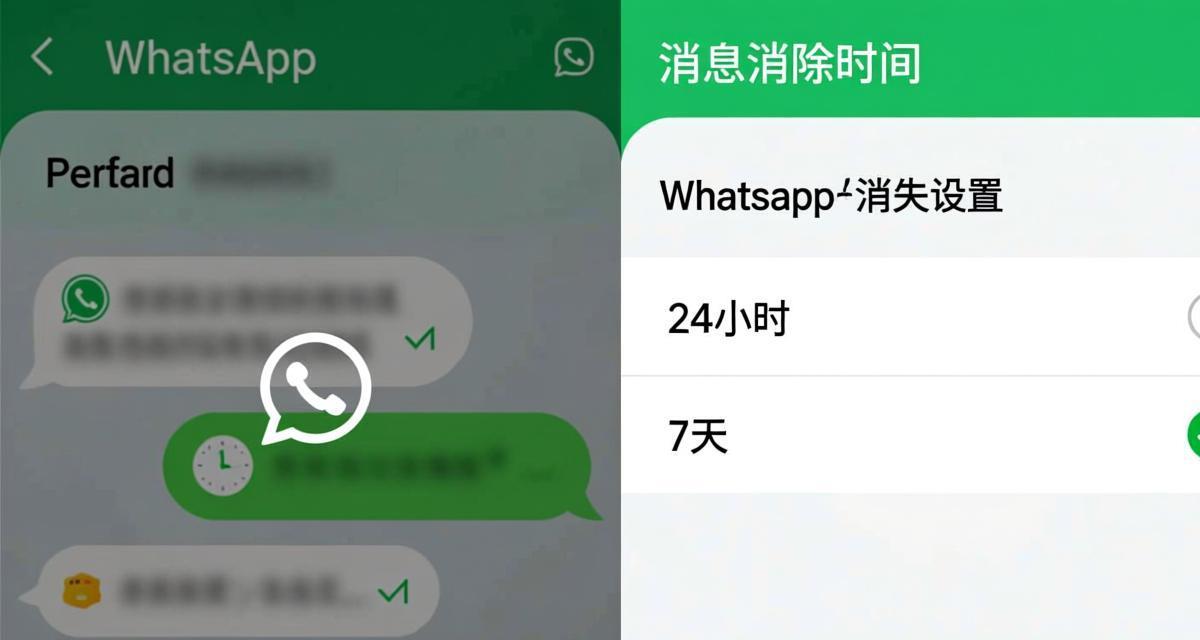
WhatsApp introduced disappearing messages in late 2020 and has steadily improved the feature through 2026. The current implementation supports timers of 24 hours, 7 days, and 90 days, applicable to individual and group chats. When enabled, new messages disappear after the selected period.
Configuration: Open a chat → tap the contact or group name → “Disappearing messages” → select a timer. WhatsApp also offers a “Keep in Chat” feature where recipients can save specific disappearing messages, but the sender receives a notification when this happens. WhatsApp’s security model is less transparent than Signal’s because its code is not fully open-source, but disappearing messages still add a meaningful privacy layer.
Limitations: WhatsApp disappearing messages have several caveats. Media received in disappearing messages is not deleted from the device’s photo gallery if the recipient saved it before the timer expired. WhatsApp backup (both local and Google Drive/iCloud) may retain disappearing messages until the next backup cycle. For sensitive information, complement disappearing messages with manual deletion of media from your gallery.
BatChat (V2 Messenger): Enterprise-Grade Self-Destruct
BatChat, the successor to V2 Messenger, offers enterprise-focused disappearing message capabilities with features designed for business and organizational use. BatChat supports customizable retention policies — administrators can set mandatory disappearing message timers for all chats within an organization, ensuring compliance with data protection regulations like GDPR and HIPAA.
BatChat features: Timer options from 1 minute to 365 days, per-conversation and organization-wide policies, audit logging (administrators can see that a message was sent but not its content), and “read then destroy” mode where messages delete immediately after being read. BatChat’s upgrade from V2 Messenger brought significant improvements to the disappearing message engine, including faster deletion and reduced metadata leakage.
Enterprise tip: If you are using BatChat in a corporate environment, work with your IT administrator to configure organization-wide retention policies. This ensures that all employees automatically follow data minimization practices without relying on individual configuration. Audit logs provide a paper trail for compliance purposes without exposing message content.
Session: Open-Source and Metadata-Free Destruction
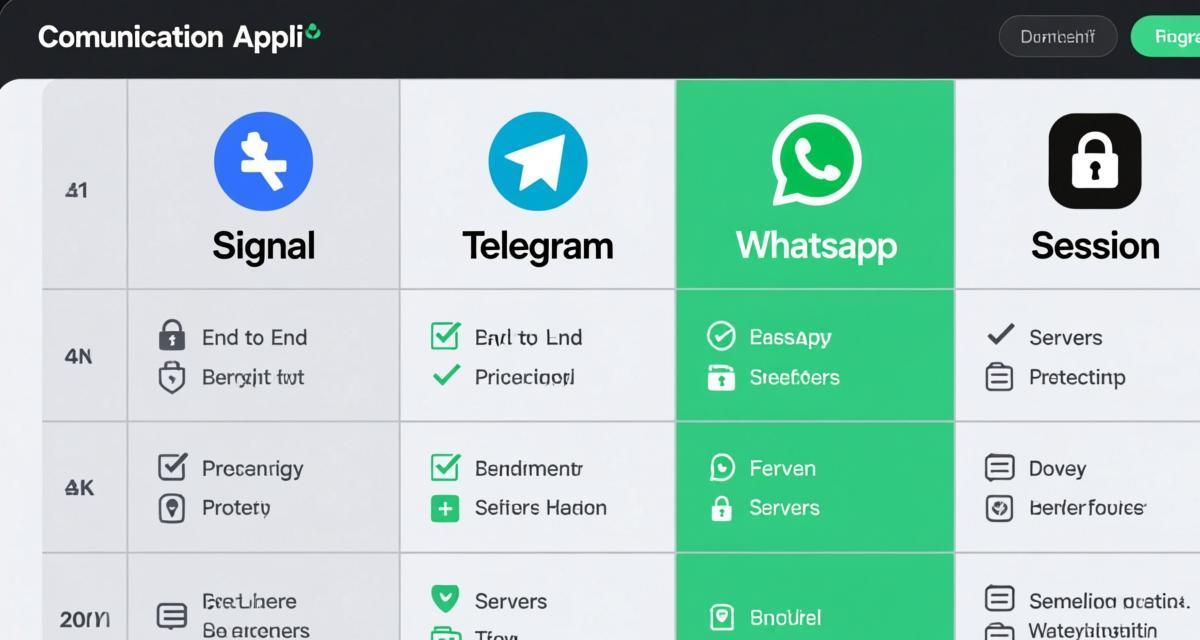
Session is a privacy-focused messaging app built on the Signal Protocol but with enhanced anonymity features. Session does not require a phone number or email — it uses a decentralized swarm network and Session IDs for routing. This means that even message metadata (who is talking to whom) is harder to intercept.
Self-destruct in Session: Session supports disappearing messages with configurable timers from 1 second to 1 week. Messages are deleted from both devices after the timer expires. Because Session uses a decentralized network with no central servers, there is no server-side copy of messages at any point — destruction happens entirely on the endpoints. Session vs Signal comparison shows that Session’s decentralized architecture provides stronger metadata protection, though Signal has a larger user base and more mature features.
Anonymous advantage: The combination of no phone number requirement and disappearing messages makes Session particularly suitable for scenarios where you need to communicate without revealing your identity. However, Session’s smaller user base means fewer of your contacts are likely to be using it compared to Signal or WhatsApp.
Open Source vs Closed Source: Trust Implications
The trustworthiness of disappearing message implementations varies significantly between open-source and closed-source apps. Open-source apps (Signal, Session, Element) allow independent security researchers to verify that messages are actually destroyed and not silently retained. Closed-source apps (WhatsApp, Telegram’s server-side code) require trust in the developer’s claims.
🚀 Ready to experience secure messaging? Download now — it's completely free.
⬇️ Download BatChat FreeSignal and Session: Both are fully open-source. Independent audits have confirmed that Signal’s disappearing messages are cryptographically guaranteed to be destroyed — they cannot be recovered even with device-level forensics after the timer expires. Open-source vs closed-source analysis demonstrates that transparency in code directly correlates with user trust and verifiable security.
WhatsApp and Telegram: WhatsApp’s disappearing message implementation cannot be independently verified because the relevant code is proprietary. Telegram’s server-side code is not open-source, though its client-side encryption in Secret Chats can be reviewed. For privacy purists, open-source apps provide the strongest guarantees that disappearing messages work as advertised.
Element/Matrix: Federated Disappearing Messages
Element, the flagship client for the Matrix protocol, offers a unique approach to disappearing messages through its federated architecture. Unlike centralized apps where a single company controls the servers, Matrix allows anyone to run their own server (homeserver) while still communicating with users on other servers. This decentralization means that disappearing message enforcement depends on the server implementation.
Matrix MSC1766 specification: Element implements disappearing messages through the Matrix MSC1766 specification, which defines how messages should be redacted and expired across federated servers. When you set a disappearing message timer in Element, the message includes an expiration timestamp. Each participating server is responsible for deleting the message when the timer expires. Open-source messaging apps like Element provide transparent implementations that can be audited by anyone.
Server trust model: The federated nature of Matrix introduces a trust consideration — you must trust that your homeserver and the recipient’s homeserver both properly implement message destruction. If either server is malicious or misconfigured, messages may persist beyond their intended lifetime. For maximum security, self-host your own Matrix server using Synapse or Conduit, ensuring you have full control over message retention policies.
Threema: Premium Self-Destruct with No Phone Number
Threema, the Swiss-based encrypted messaging app, offers disappearing messages as part of its premium feature set. Threema is notable for requiring no phone number or email address — users are identified by random Threema IDs, similar to Session but with a centralized infrastructure that has been independently audited.
Threema implementation: Disappearing messages in Threema can be configured per-chat with timers ranging from immediate deletion (after viewing) to custom durations. Threema’s “after viewing” mode is particularly useful for sensitive content — messages are deleted immediately once the recipient opens the chat, leaving minimal window for compromise. Threema also offers a “preview only” mode where the sender can set messages to show only a preview without full content until the recipient confirms their identity.
Audit transparency: Threema has undergone multiple independent security audits and publishes detailed audit reports on their website. The disappearing message implementation has been verified to cryptographically delete messages from both devices without server-side retention. Threema’s Swiss jurisdiction provides additional legal protections for user data.
Best Practices for Self-Destructing Messages
Regardless of which app you choose, following these best practices maximizes the privacy benefit of disappearing messages.
Use the shortest practical timer: Shorter timers mean less window for compromise. For one-on-one sensitive chats, 5-30 seconds is ideal. For group discussions, 1 hour to 1 day balances usability with privacy. There is no benefit to setting a timer longer than necessary — if a message needs to persist, use a different communication channel.
Disable cloud backups: Most messaging apps create cloud backups (Google Drive, iCloud, Telegram’s cloud). If backups are enabled, disappearing messages may be captured in the backup before the timer expires. Disable automatic backups or configure them to exclude specific chats. Encrypted backup guide explains how to balance backup security with disappearing messages.
Complement with manual deletion: Do not rely solely on timers. For extremely sensitive content, manually delete messages immediately after the recipient confirms they have read them. This provides an additional layer of protection against timer exploits or backup captures.
Educate your contacts: Self-destructing messages only work if both parties understand how they work. Share this guide with your contacts, especially those who are less tech-savvy. Explain that screenshots can still capture disappearing messages, and that they should not forward or copy sensitive content from disappearing conversations.
Frequently Asked Questions
Q1: Can the other person screenshot a disappearing message?
Yes. Self-destructing messages prevent automatic persistence, but they cannot prevent the recipient from taking a screenshot, using another device to photograph the screen, or manually copying the message text. Some apps (Signal, Telegram) send a notification when a screenshot is taken, but they cannot technically prevent it. This is a fundamental limitation — if content is displayed on screen, it can be captured.
Q2: Are deleted messages really gone forever?
In open-source apps like Signal and Session, yes. Independent security audits have confirmed that messages are cryptographically destroyed and cannot be recovered. In closed-source apps, you must trust the developer’s implementation. If your device is seized by authorities before the timer expires, forensic tools may recover messages from device storage. After the timer expires on Signal, even forensic recovery is not possible.
Q3: What happens to disappearing messages during a backup?
If cloud backup is enabled (WhatsApp → Google Drive, Signal → Signal Backup), disappearing messages may be included in the backup before the timer expires. The backup itself is encrypted, but the messages persist in the backup file. Disabling backup or excluding specific chats is the only way to ensure messages are fully destroyed. Signal’s backup feature is local-only and can be disabled entirely in Settings.
Q4: Can I recover a disappearing message I accidentally deleted?
No. That is the entire point of the feature. Once a disappearing message timer expires (or you manually delete it), the message is gone permanently. There is no undo, no recovery, and no “recently deleted” folder for disappearing messages. Think carefully before sending sensitive content via disappearing messages — if you might need it later, use a different method.
Q5: Which app has the best disappearing message feature overall?
Signal offers the best overall combination of security, flexibility, and trustworthiness. It is open-source, independently audited, supports granular timers (5 seconds to 4 weeks), works in all chat types, and provides cryptographic guarantees of destruction. For maximum anonymity, Session is the best alternative. For the largest user base, WhatsApp provides adequate (though not ideal) disappearing message support. Choose based on your specific needs — security vs convenience vs anonymity vs network effects.